Private, local AI processingNo source image upload
Free, private, and browser-based

Remove Image Backgrounds Free with Private AI

Upload a JPG, PNG, or WebP image, remove its background on your device, refine the cutout with Keep or Remove points, and download a full-resolution transparent PNG.

Images stay on your device Up to 5 files Full-size PNG
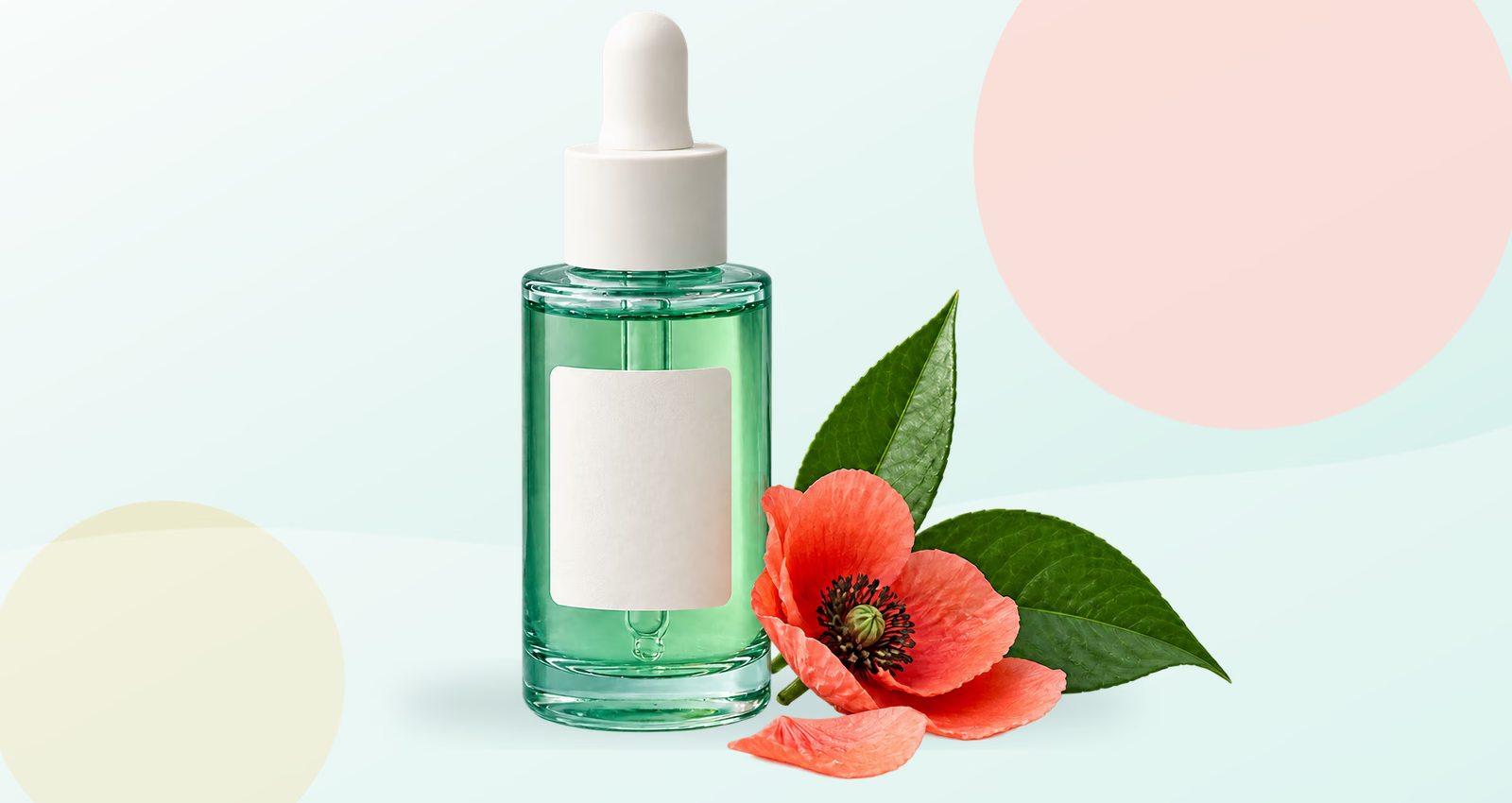
Product photo before background removal
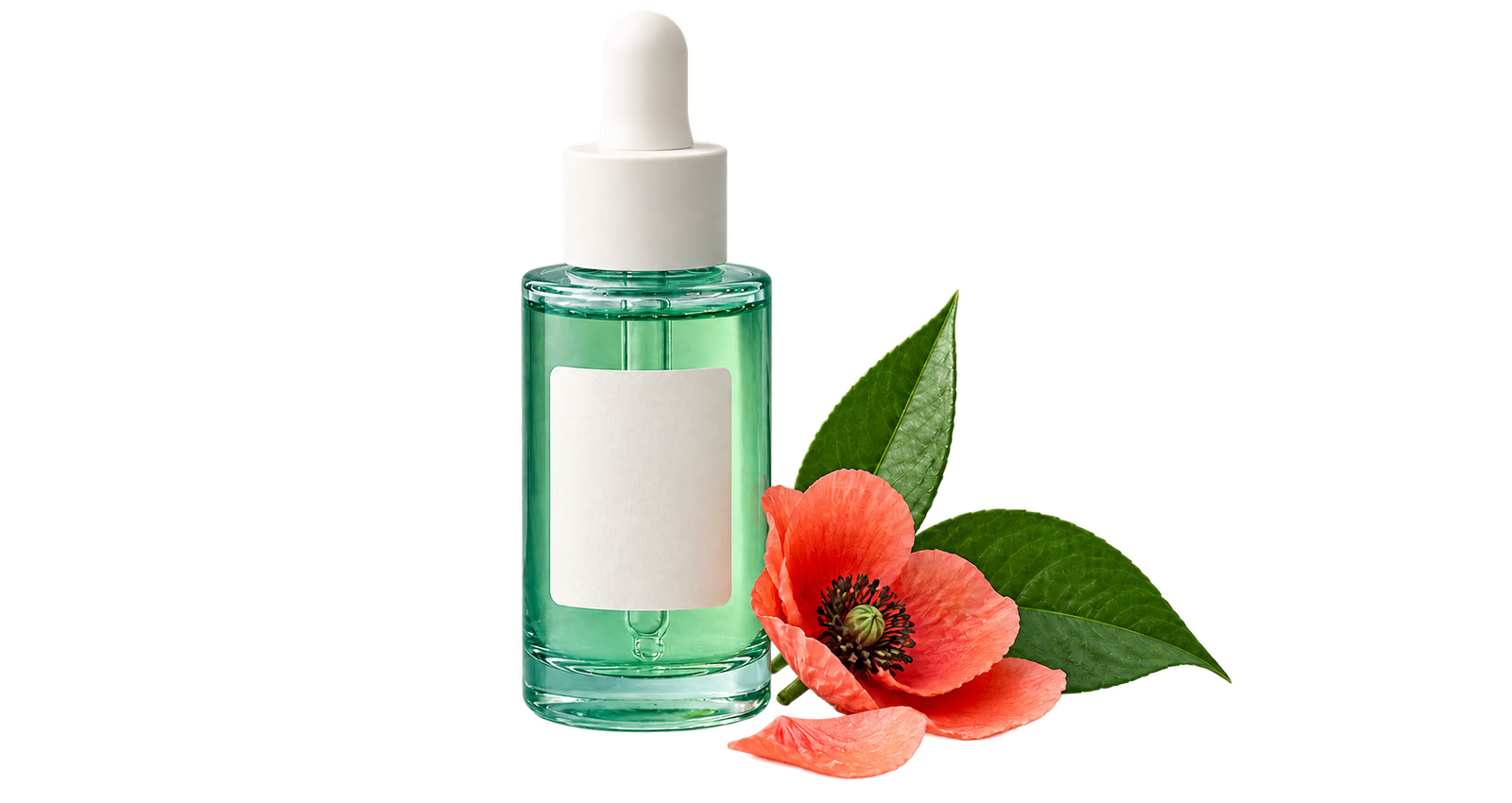
Product cutout on a transparent checkerboard
TransparentOriginal
Free, private, no sign-up

Remove an image background

Loads on first image
Select focus
SAM-HQ ViT-TinyHigh precision · local

or drop up to five files

JPG, PNG or WebP · 20 MB each
No image?

Your images are processed locally and are not uploaded to our application server.

Private by designNo image upload to our server
Editable AI maskKeep and Remove point controls
Up to 5 imagesReview every result separately
Full-size PNGTrue transparent alpha channel
Free online background remover

Remove a photo background without uploading the photo

A transparent background lets the subject move cleanly into product pages, presentations, social graphics, print layouts, and design mockups. This free online background remover combines an automatic AI cutout with the controls needed to correct it. Choose one image or a small batch, inspect the checkerboard preview, and add guidance points wherever the subject or background needs attention.

Processing happens locally with SAM-HQ and ONNX Runtime Web. The first image may take longer while the browser downloads about 55 MB of AI files; later images reuse the loaded model. There is no account, credit balance, watermark, or cloud image history.

Remove an image background
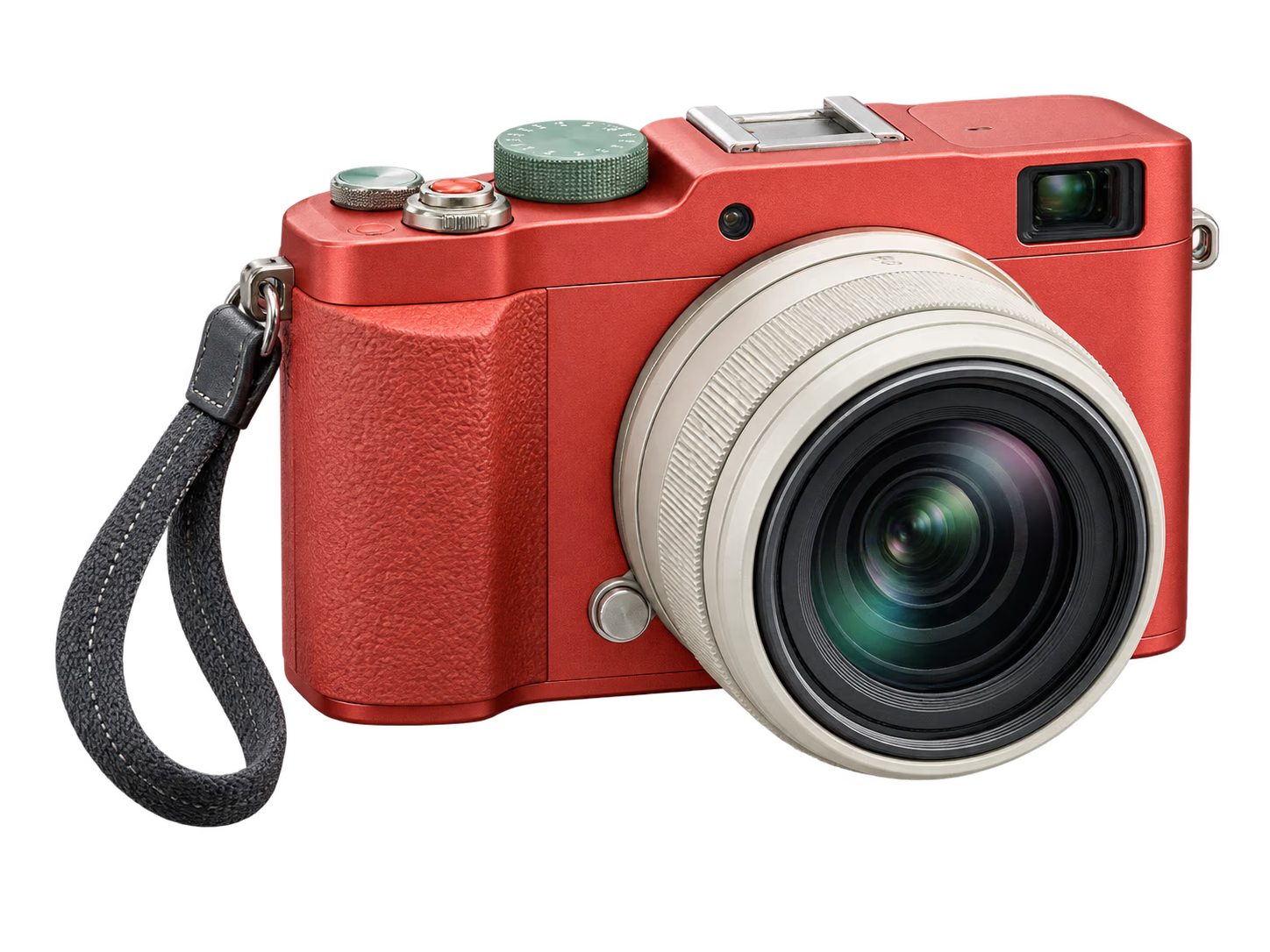
Coral camera isolated on a transparent background transparent PNG
Background remover features

Free AI background removal with control over the result

Automatic processing handles the first cutout; visible controls help you finish it.

01

Automatic AI cutouts with manual control

Start with an automatic subject selection instead of tracing an outline by hand. The browser runs SAM-HQ image segmentation to separate a product, person, logo, pet, or other object from its surroundings. You still control the final result: the original image stays beside the transparent preview so you can compare the boundary before downloading.


Headphones before background removal
Headphones isolated on a transparent background
TransparentOriginal
02

Refine edges with Keep and Remove points

Foreground and background colors can overlap, so no automatic cutout is right for every image. Choose Keep and click a missing part of the subject, or choose Remove and click unwanted background. Each point updates the mask while reusing the image analysis, and visible markers make every correction easy to review or undo.

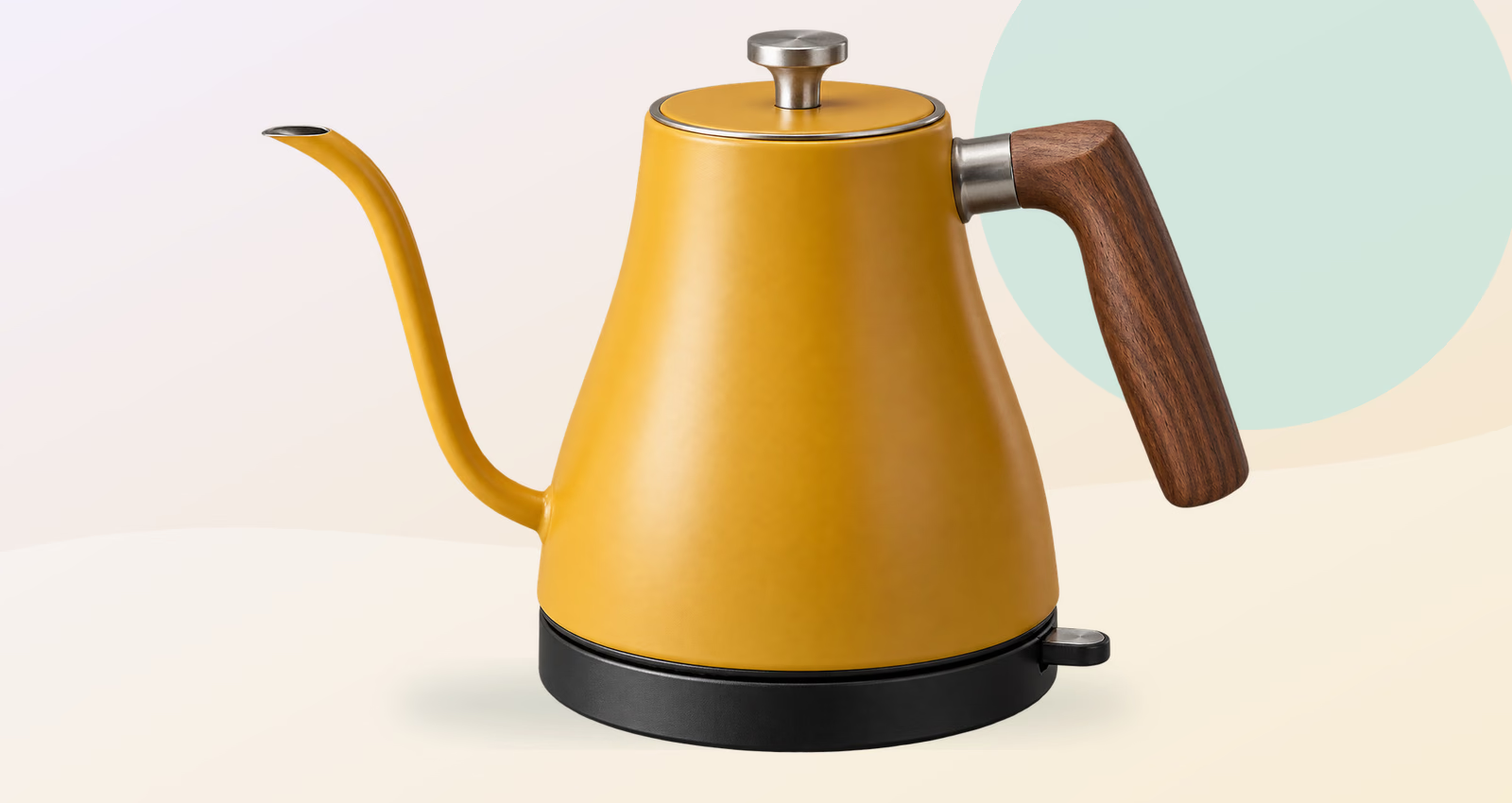
Yellow kettle with foreground and background refinement points
Keep subject Remove area
03

Download a full-resolution transparent PNG

The AI uses an optimized working image, then applies the final mask at the source width and height. Your download is a standard PNG with a real alpha channel, not a screenshot of the preview. Place it over a new color, photo, slide, product page, or design without carrying the old rectangular background.

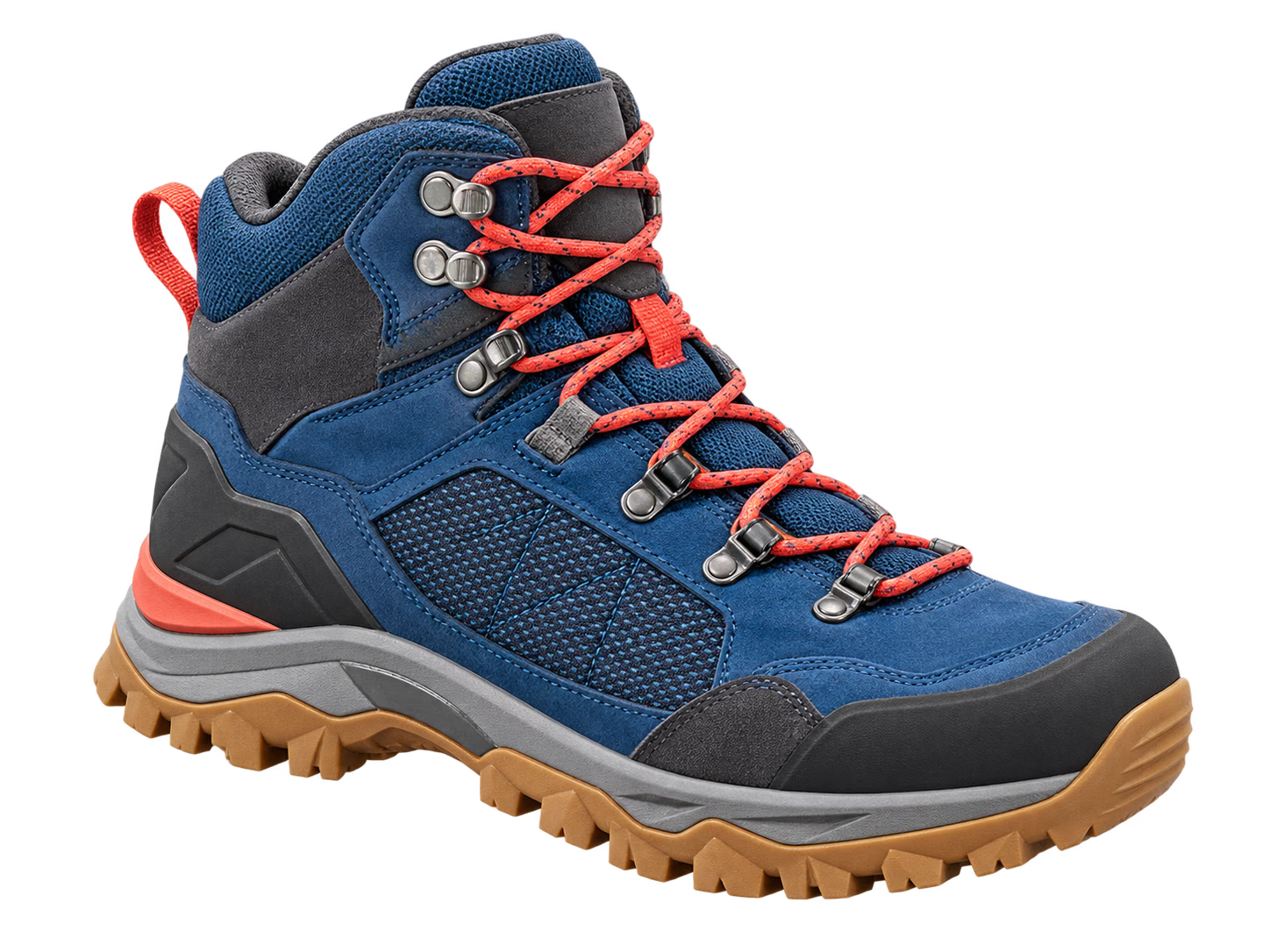
Blue hiking boot isolated on a transparent background transparent PNG
04

Remove backgrounds from up to five images

Select several JPG, PNG, or WebP files in one action. The local queue processes them in sequence and keeps a separate preview, point history, status, and download button for each result. This compact batch workflow works well for a product collection, campaign asset set, or group of related cutouts.

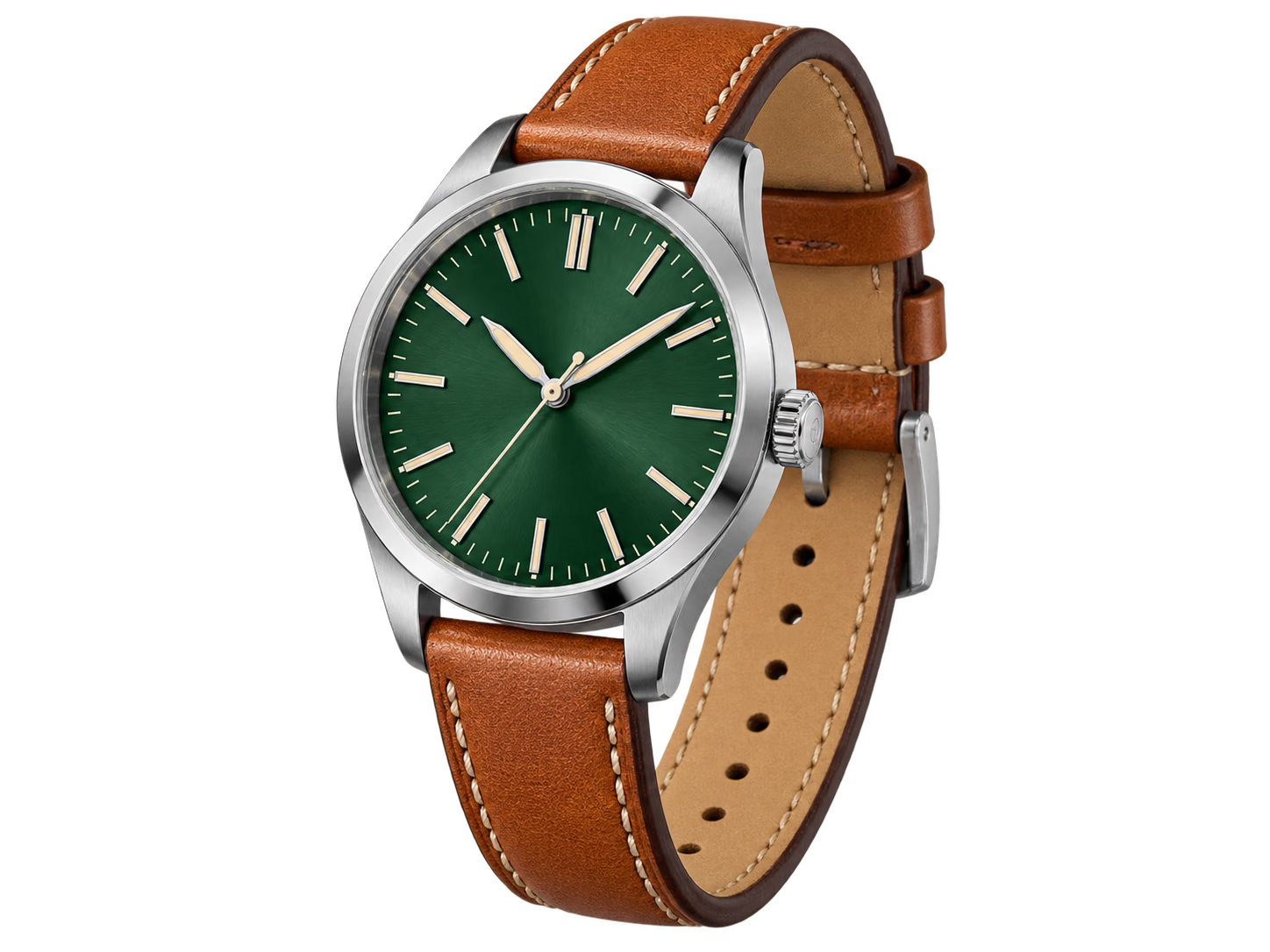
Green dial wristwatch isolated on a transparent background
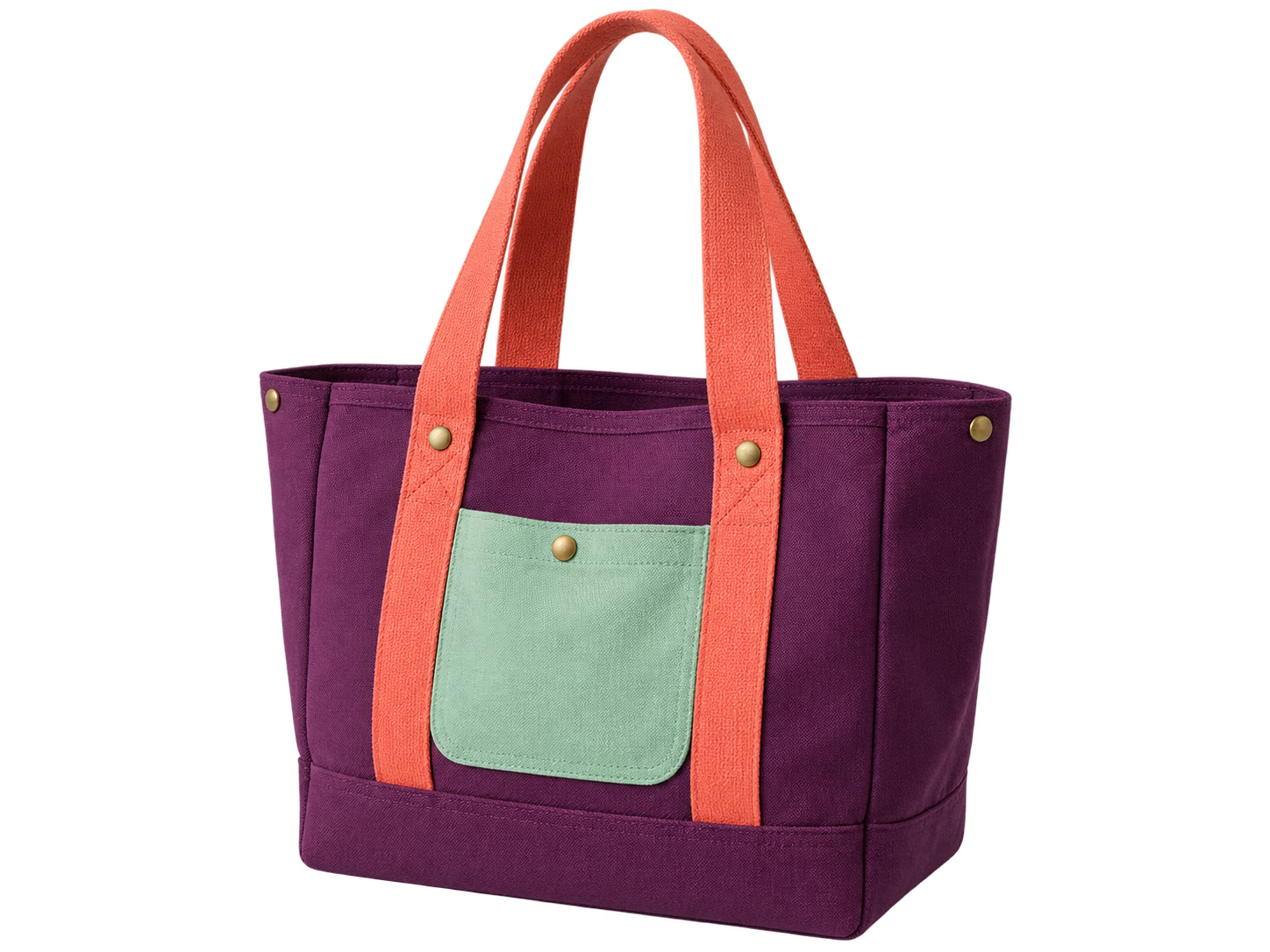
Purple canvas tote isolated on a transparent background
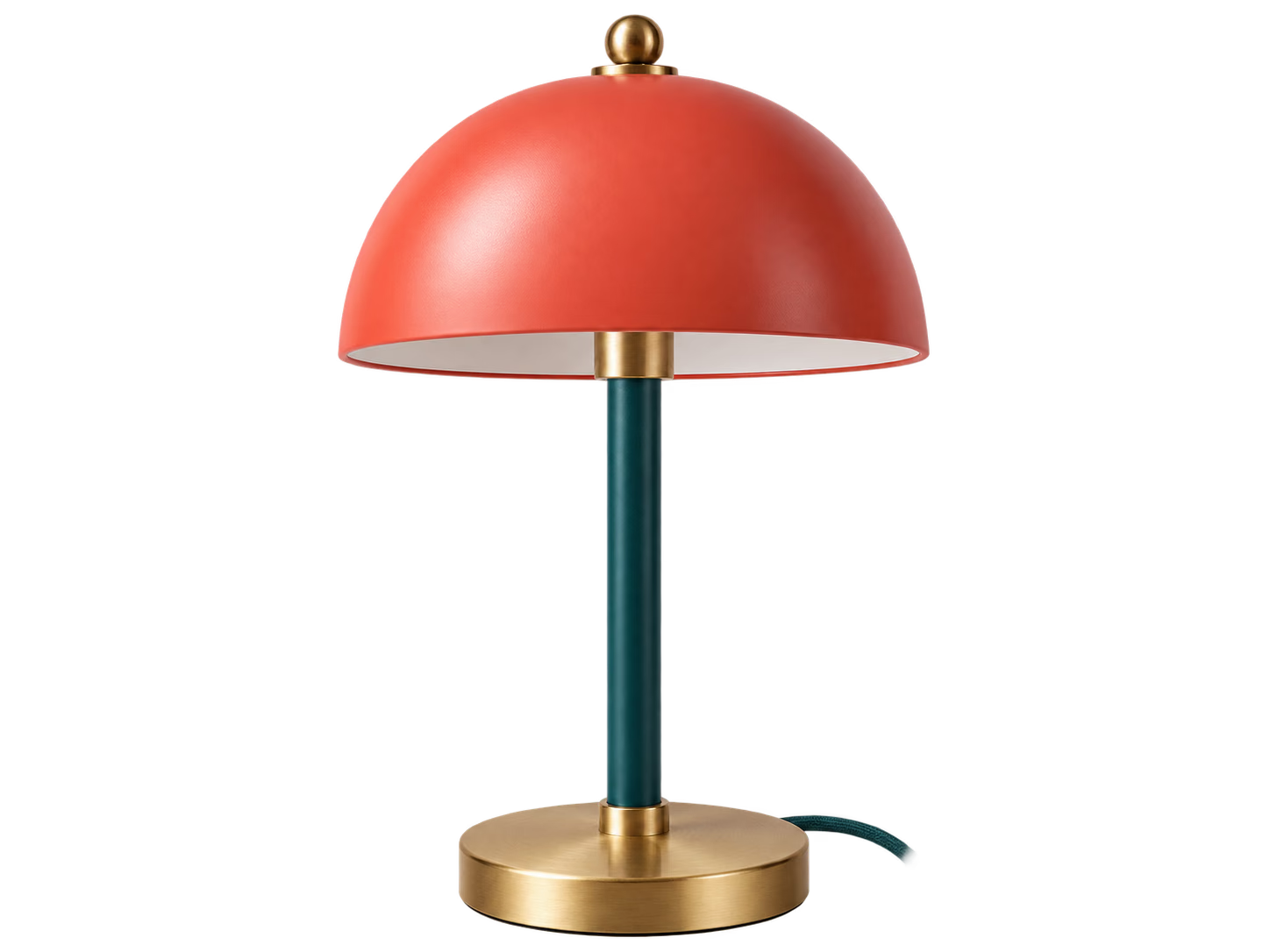
Coral table lamp isolated on a transparent background
3 files ready
05

Private, on-device background removal

Your browser decodes the image, runs the AI, stores refinement points, and builds the final PNG on your device. TransparentBackground.org provides the model and runtime files, but your source photo and finished cutout are not uploaded to our application server. Closing or reloading the page clears the active editing queue.

Processed on your device No image upload to our server
Three simple steps

How to remove an image background online

Upload, review, and download. Use the point controls only when the automatic mask needs a correction.

1

Upload a JPG, PNG, or WebP image

Choose one image or add up to five files at once. Each file can be up to 20 MB. The original stays in browser memory while the local AI model loads.

2

Let AI remove the background

The model creates the first subject mask automatically. Use Keep to restore a missing area or Remove to clear unwanted background, then check the updated transparent preview.

3

Download a transparent PNG

Save the selected result at the source image dimensions. The PNG uses an alpha channel, ready for a website, online store, presentation, or design app.

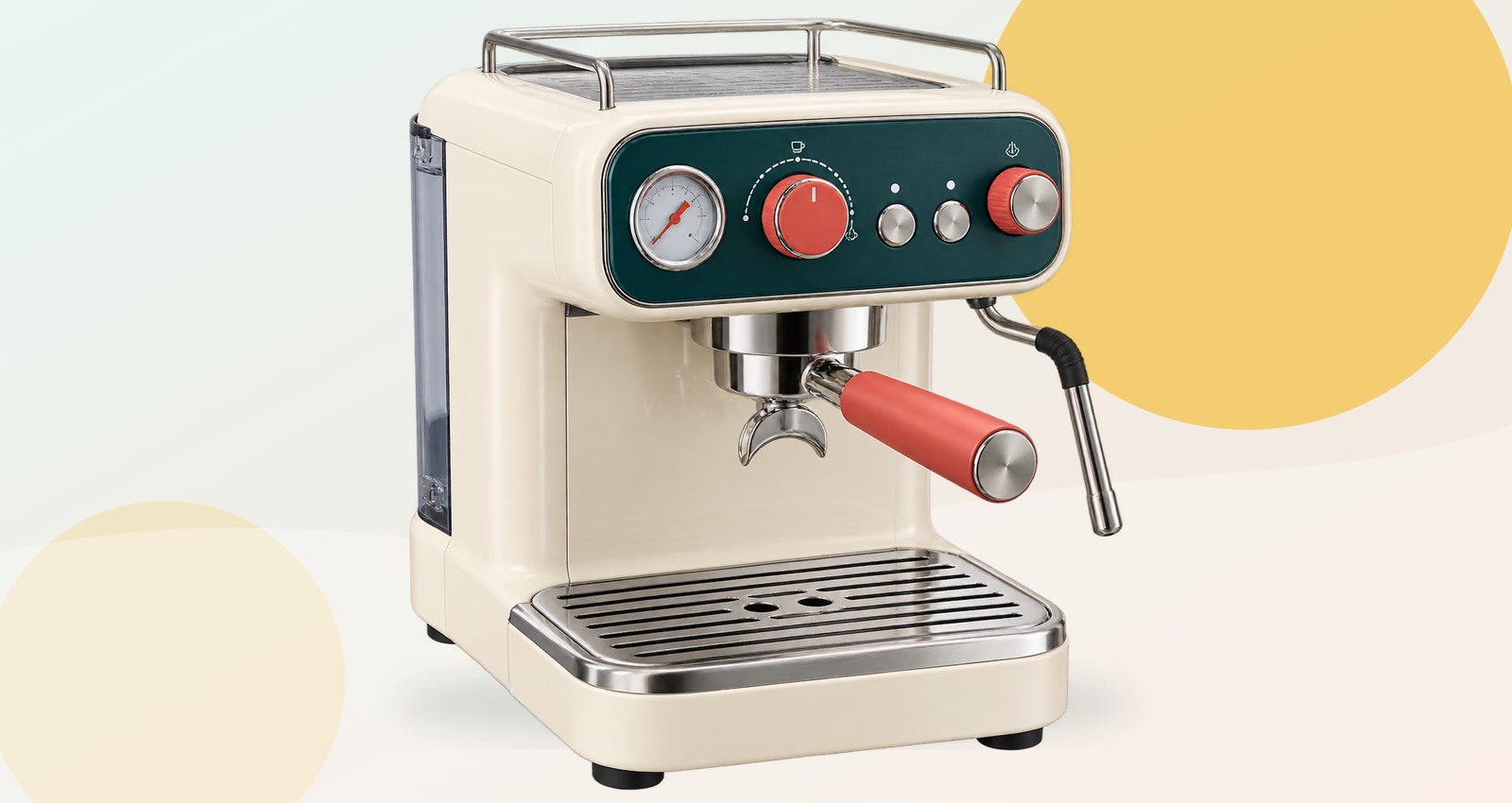
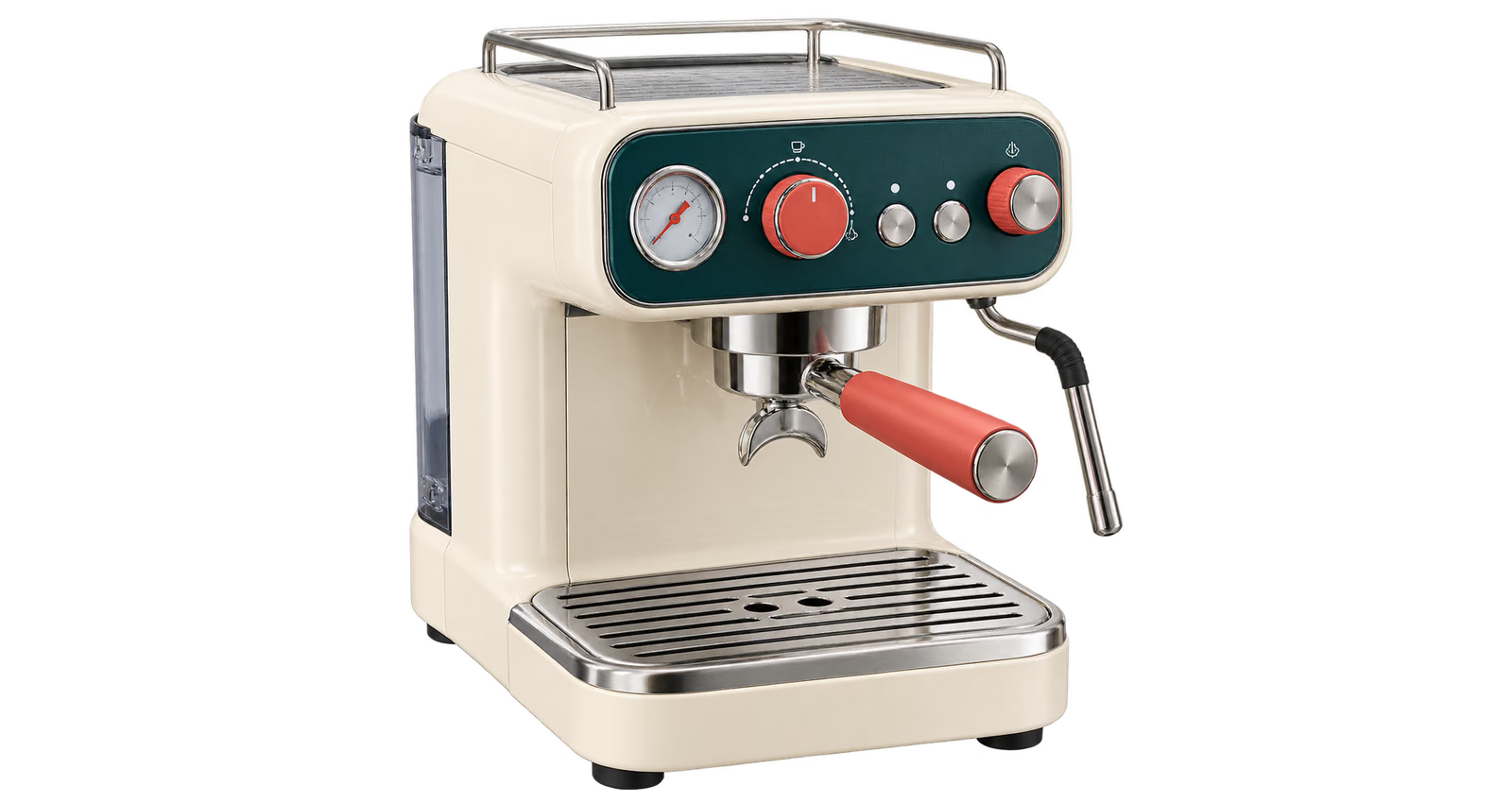
Espresso machine before background removal
Espresso machine isolated on a transparent background
TransparentOriginal
One model is reused for the full browser session
Popular use cases

What can you do with a transparent background?

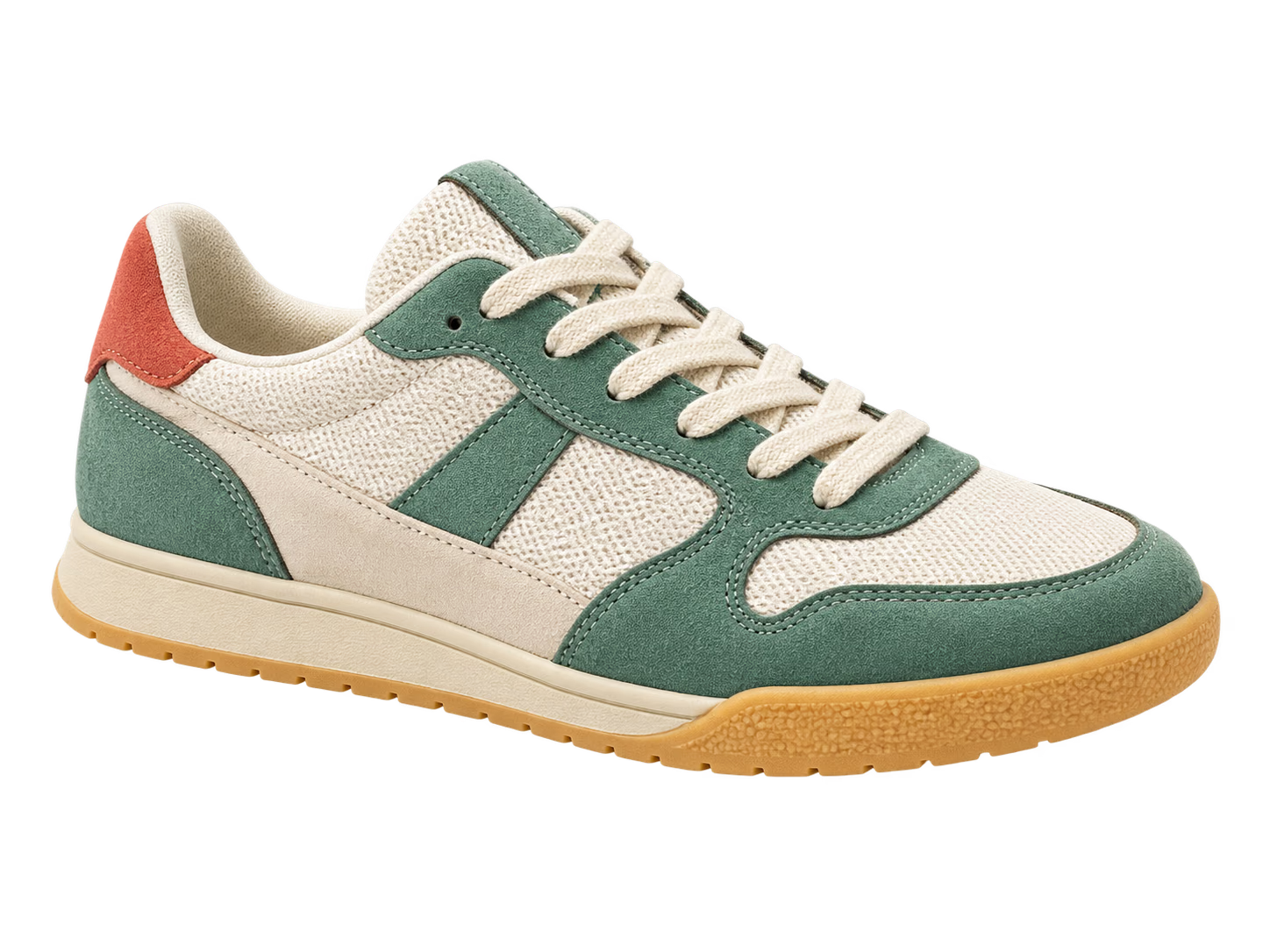
Green and cream sneaker isolated on a transparent background
Use case 01

Product photos for e-commerce

Turn product photos into flexible cutouts for online stores, marketplace listings, comparison tables, and seasonal campaigns. Use the Product preset for centered catalog images, then review handles, narrow gaps, reflections, and transparent packaging before export.

Portrait with detailed curls isolated on a transparent background
Use case 02

Portraits and professional headshots

Reuse a transparent portrait across profile pages, presentation slides, social graphics, resumes, and event materials. The Portrait preset starts higher in the frame; Keep and Remove points help correct clothing, accessories, or parts of the original setting.

Folded paper brand mark isolated on a transparent background
Use case 03

Logos and reusable brand assets

Remove the solid rectangle around a logo, signature, or simple graphic. The checkerboard preview makes leftover corners visible, and the transparent PNG can then sit over documents, storefront graphics, web sections, or video frames.

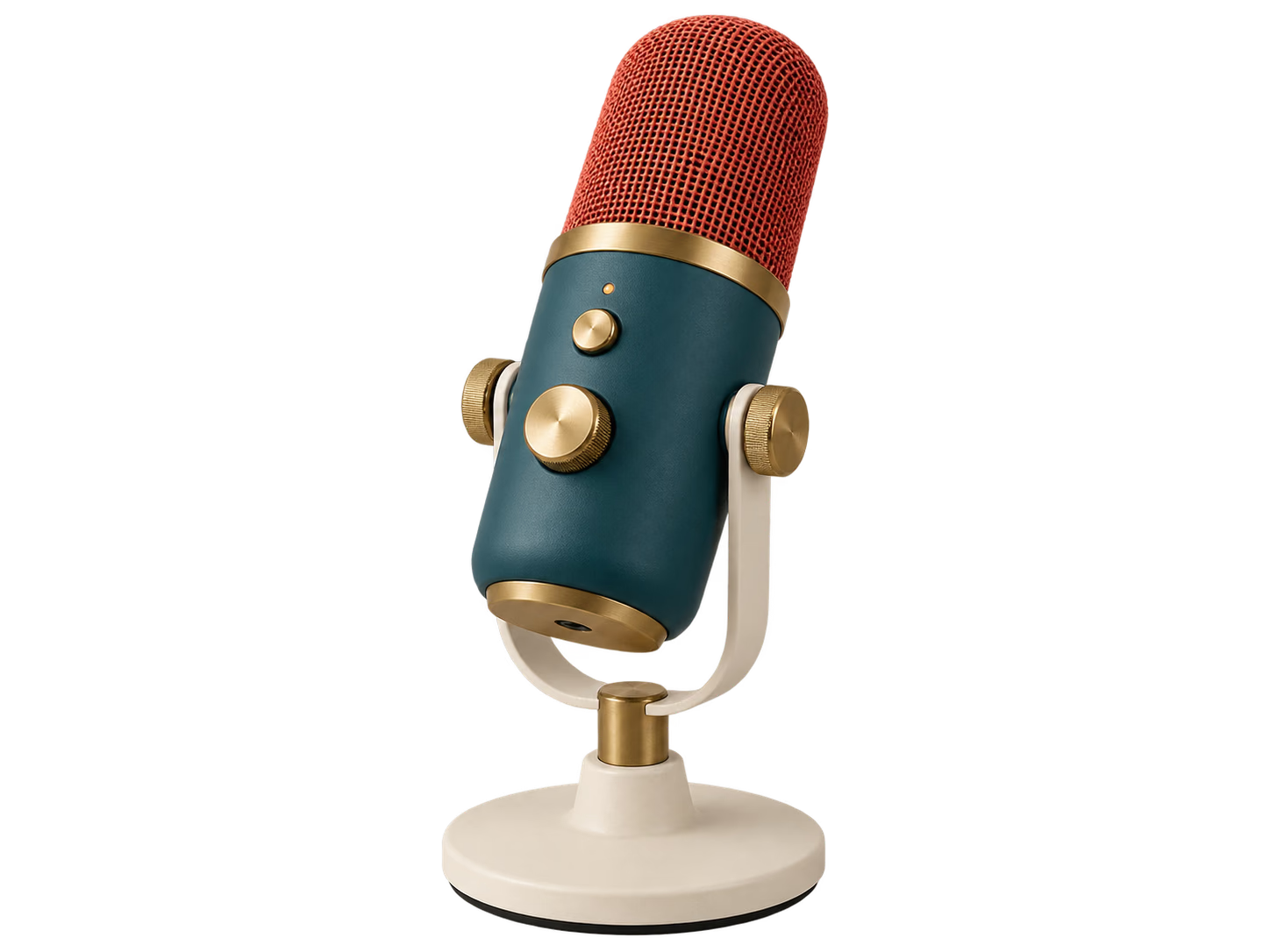
Teal podcast microphone isolated on a transparent background
Use case 04

Social posts, thumbnails, and campaigns

Isolate people, products, and props once, then reuse them in thumbnails, story graphics, announcements, ads, and short-form video covers. The batch queue keeps a small campaign set together without removing the ability to refine one difficult image.

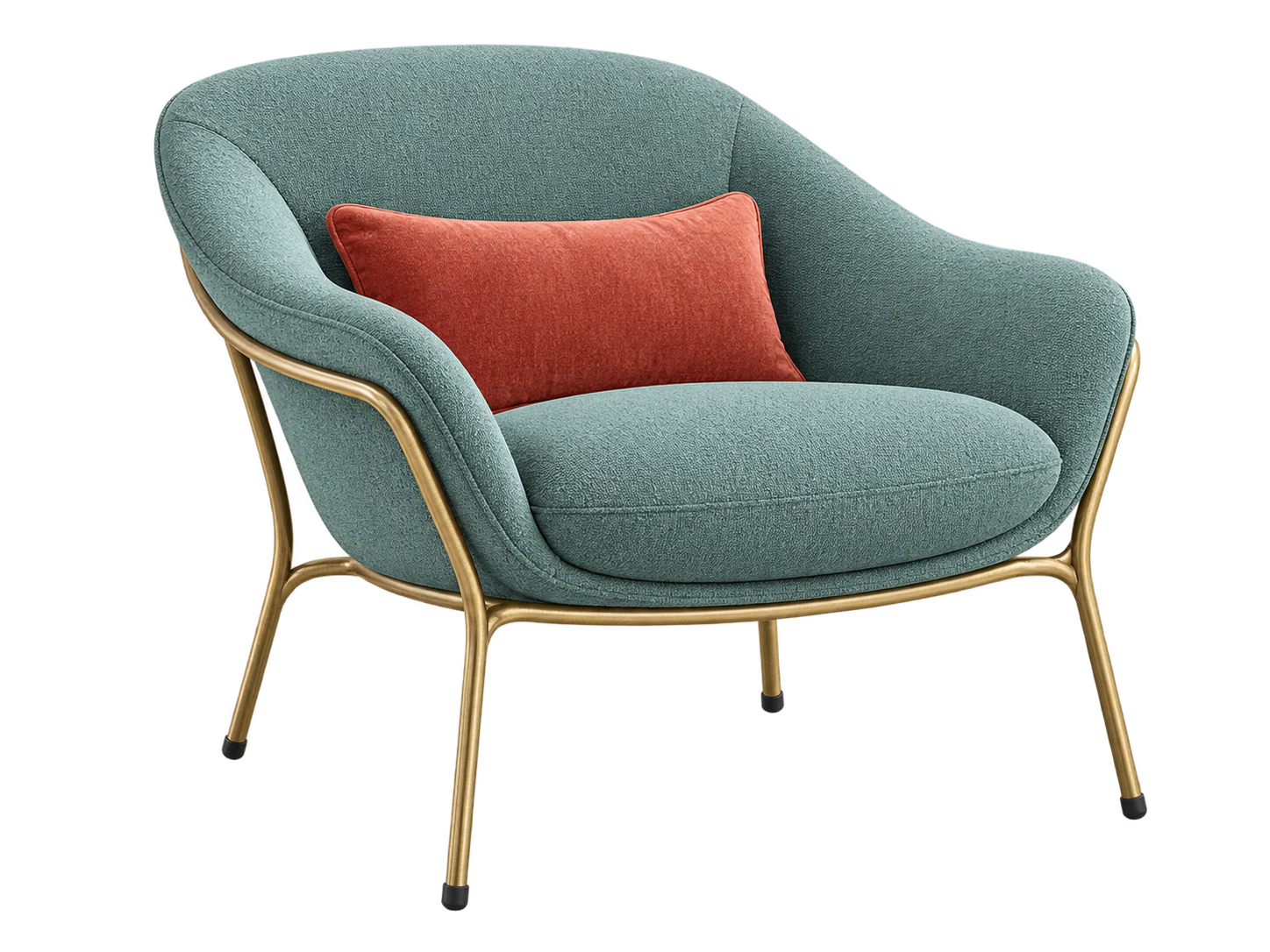
Green lounge chair isolated on a transparent background
Use case 05

Design mockups and presentations

Extract an object for a moodboard, interface mockup, pitch deck, collage, or spatial concept. The result is a standard transparent PNG rather than a proprietary project file, so it can move directly into the rest of your workflow.

Why use this tool

A free background remover built around privacy and control

Automatic cutout, editable mask

Begin with an AI-generated selection, then guide the selected image with positive and negative points instead of accepting a rough edge or starting over.

Your image stays in your browser

The source file, point history, image analysis, and generated PNG stay in the current session. Closing or reloading the page clears the working state.

No account, credits, or watermark

Process common image formats, inspect real transparency on a checkerboard, and download a full-size PNG without registration or a subscription screen.

FAQ

Free background remover FAQ

Details about privacy, formats, model loading, batch processing, and mask correction.

Is this background remover really free?

Yes. You can remove backgrounds, refine the subject mask, and download full-resolution transparent PNG files without creating an account, buying credits, or adding a watermark.

Are my images uploaded to a server?

No. Your browser decodes the image, runs the SAM-HQ model, refines the mask, and creates the PNG on your device. TransparentBackground.org serves the AI model files, but your source image and finished cutout are not sent to our application server.

How does the AI background remover work?

The browser uses SAM-HQ image segmentation to identify the main subject and turn the selection into a transparent mask. If the first cutout misses an area, add a Keep point; if it includes part of the background, add a Remove point.

Can I remove backgrounds from several images at once?

Yes. Add up to five JPG, PNG, or WebP files to one queue. The browser processes them in sequence so you can review, refine, and download each transparent result separately.

Why does the first image take longer to process?

The first use downloads and initializes about 55 MB of AI model and WebAssembly files. The loaded model is reused for the rest of the browser session, so later images usually start sooner.

How do I fix a rough edge or leftover background?

Choose Keep and click a missing part of the subject, or choose Remove and click an unwanted background area. Add one point at a time and inspect the updated transparent preview after each change.

Which image formats are supported?

You can select JPG, PNG, and WebP images up to 20 MB each. Successful results download as PNG files because PNG supports a true alpha transparency channel.

Can I use the transparent PNG commercially?

The tool does not add a watermark or claim ownership of your output. You remain responsible for having the rights to edit and use the source image, logo, product, or person shown.